My institution does not use Teams
If your Teams account is not connected to your work e-mail we would recommend that your UiO Teams account is, so please follow the steps for I do not have a Teams account.
If your account is connected to your work account and is a part of your institution "tenant"/organisation then please follow the steps under My institution uses Teams.
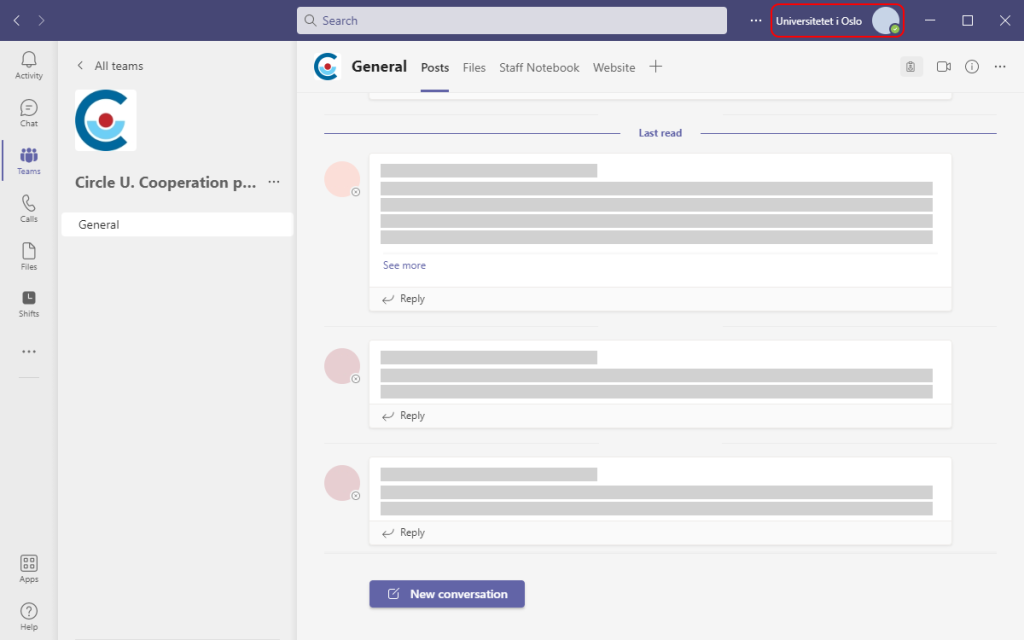
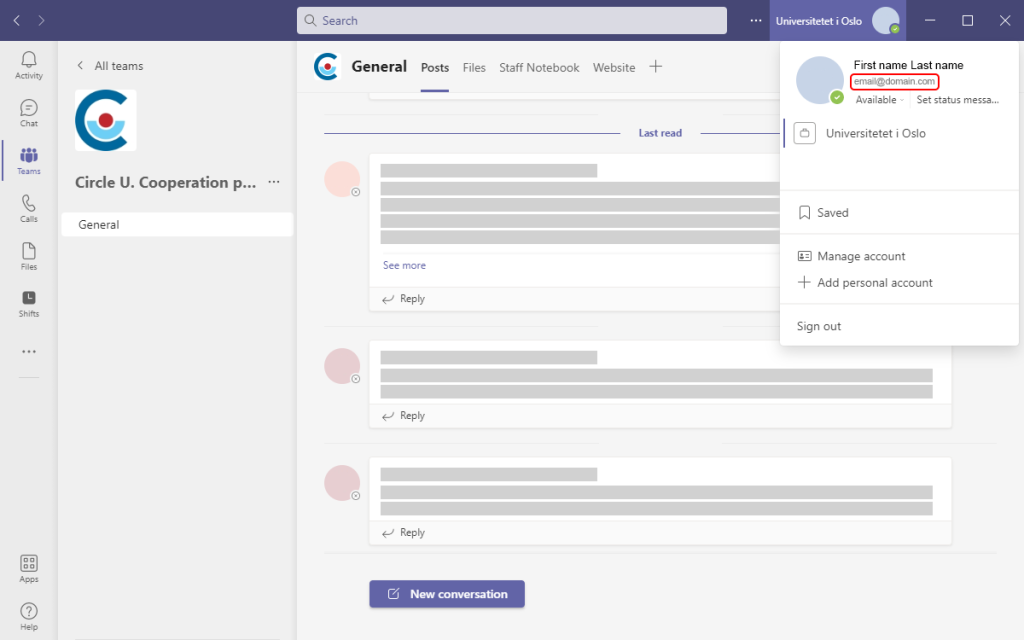
If you are familiar with Teams and already use it then you may inform us with your login username/e-mail (please do not inform us about your passord). If you are unsure what e-mail is used you may click on your profile picture in the top right corner of Teams.
If you do not have a Teams account, then one will be made for you automatically as you are added to the Circle U team. However, as you have not made the account yourself you will not be able to log in immediately. To make sure you are able to log into your account please follow these steps:
- Make sure you are added to the UiO team. You will receive an e-mail informing you that you have been added to the team.
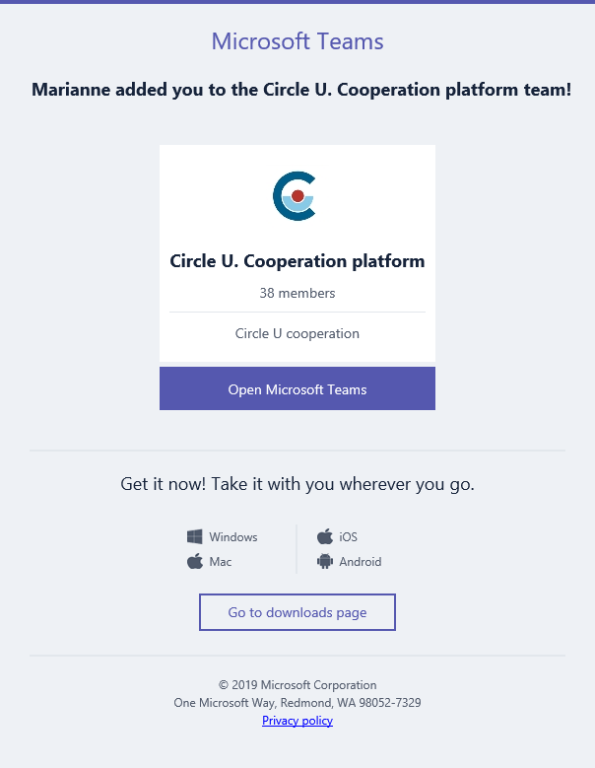
- Ignore the "Open Microsoft Teams" button in the e-mail. Instead go to https://teams.microsoft.com.
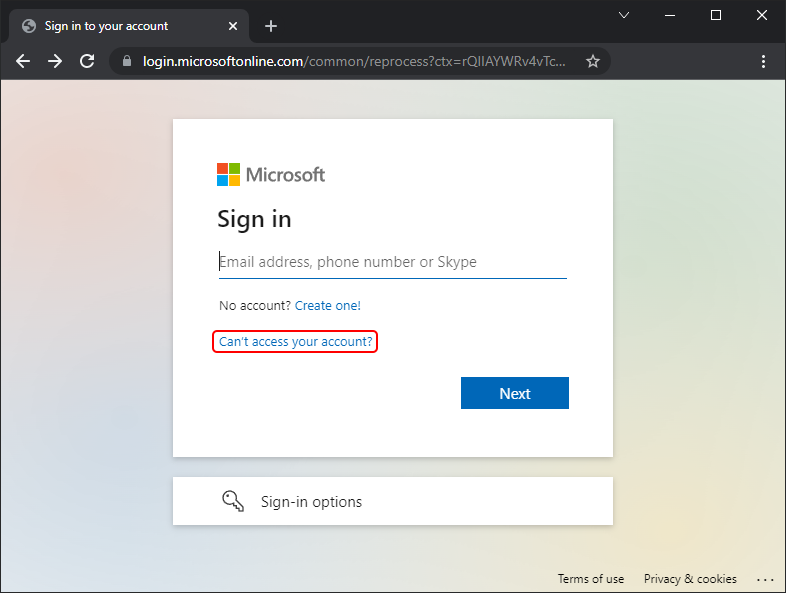
- You will be prompted to Sign in, instead, click on "Can't access your account?"
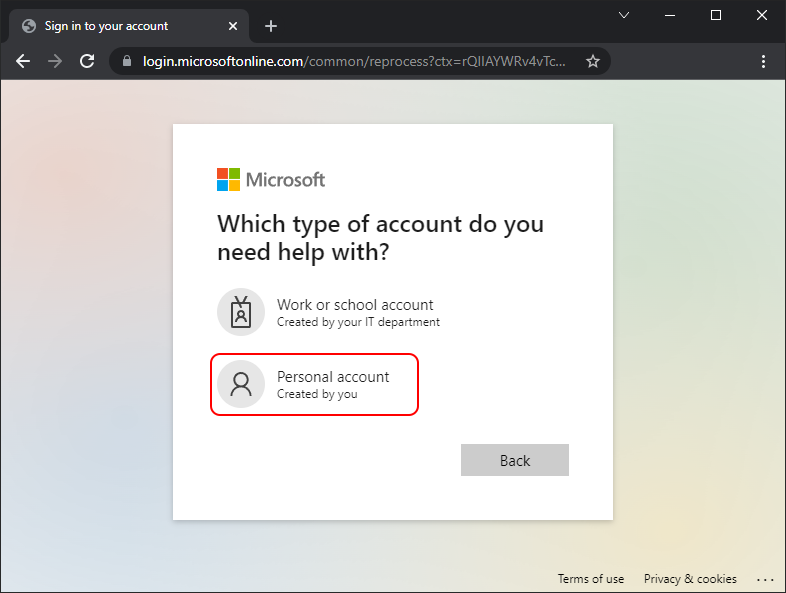
- For account type, this will be set as a personal account (the account is not tied to a "tenant"/organisation).
- You will be asked for your e-mail. Type in the one you were added to by UiO and click next.
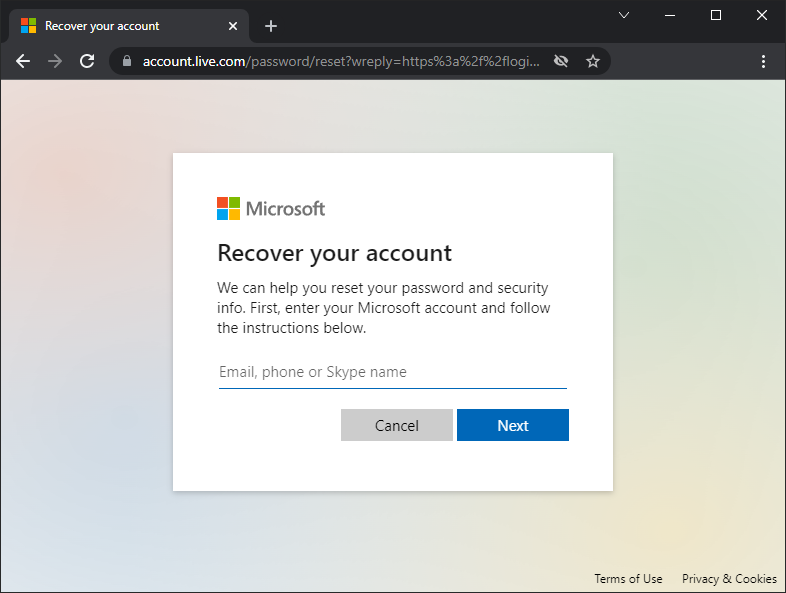
- Follow the next steps given by Microsoft, these may differ from user to user.
- You should eventually receive an e-mail with a link for you to change your password. Follow the link and set a new password.
- Either in the Microsoft Teams app, or through the webpage, you may now login to your account with your new password.
My institution uses Teams
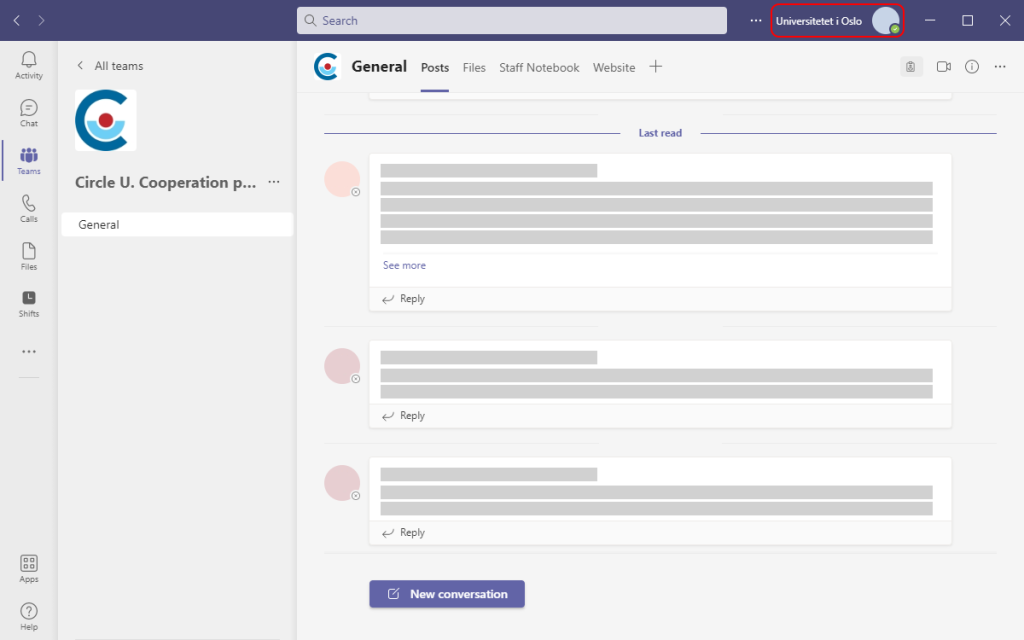
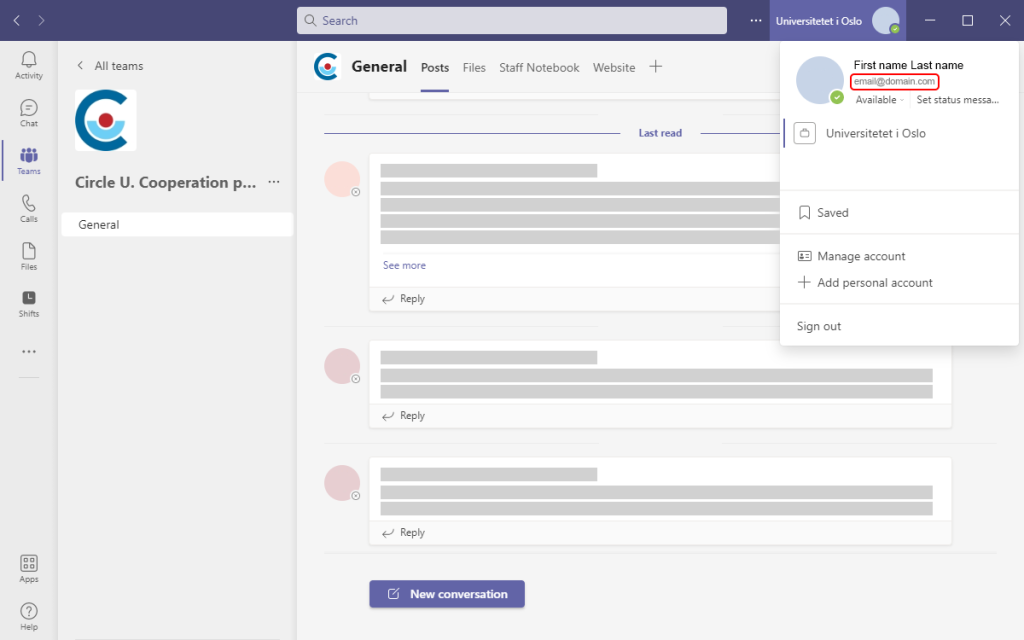
If your institution already uses Teams, you will be a part of their "tenant"/organisation. To be invited to the UiO tenant we require your login username (please do not inform us about your passord). This login may differ from your e-mail. If you're already logged in you may find your login by clicking on your profile picture in the top right corner of Teams.